Your pension at a glance
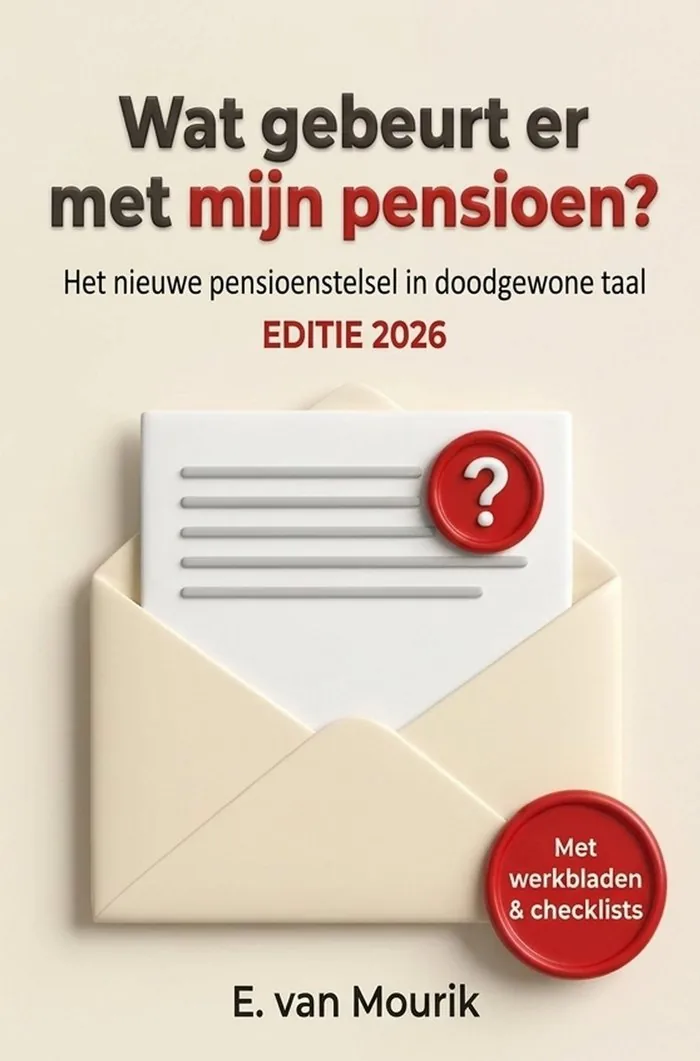
An Excel calculator with the book Wat gebeurt er met mijn pensioen? Enter your own details and immediately see where you stand, what retiring early costs and what you can do. The calculator is in Dutch and uses Dutch rules.
Free · no email address needed · works in Microsoft Excel and in the free LibreOffice
What does the calculator show?
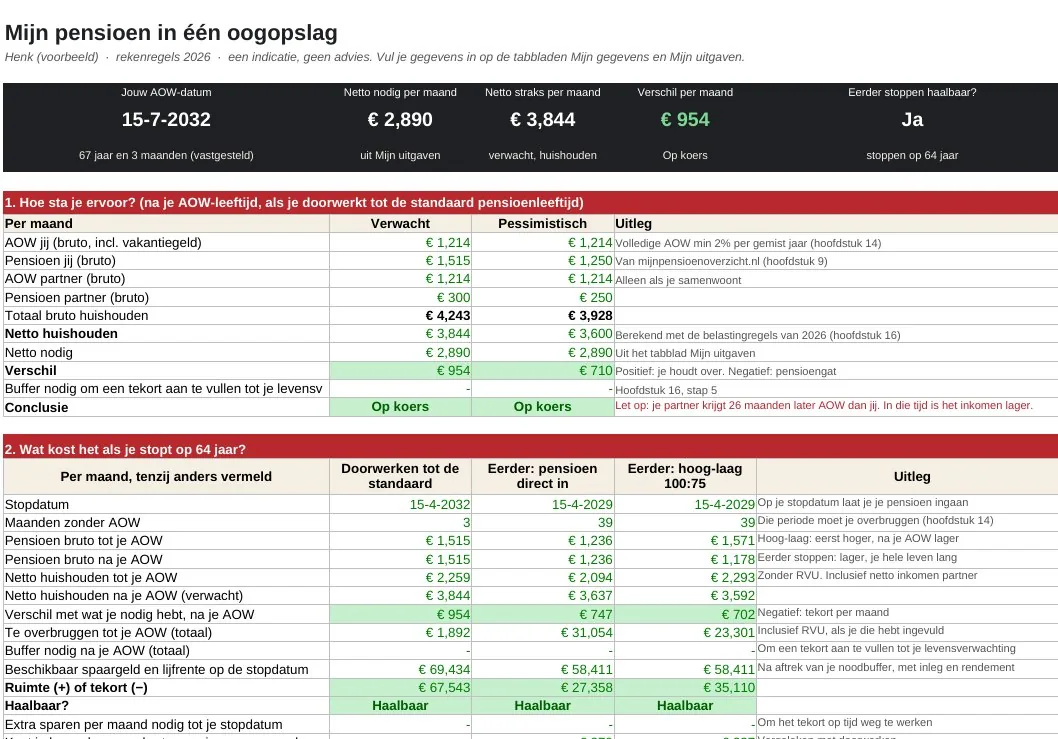
Where do you stand?
Your AOW state pension date, what you will need net later and what you will receive net. Expected and pessimistic side by side.
What does retiring early cost?
Working on, retiring early with your pension starting straight away, or with a high-low option. How much you need to bridge and whether your savings are enough.
What can you do?
Tips that adapt to your figures: early retirement schemes (RVU), retiring later, part-time retirement, your annual tax allowance and more, with references to the book.
How to use it
Good to know
The calculator is filled in with an example: Henk from the book. Simply type your own details over it.
Your details stay on your own computer. Nothing is sent anywhere.
Pension calculator, 2026 edition
Excel file (Dutch) · with the book Wat gebeurt er met mijn pensioen?
Do not have the book yet? It will be out on 28 November.